The game table that lets you build your own games.
Real walnut. Play face to face from a whole library of games, or describe a new one in your own words, and it builds it for you.


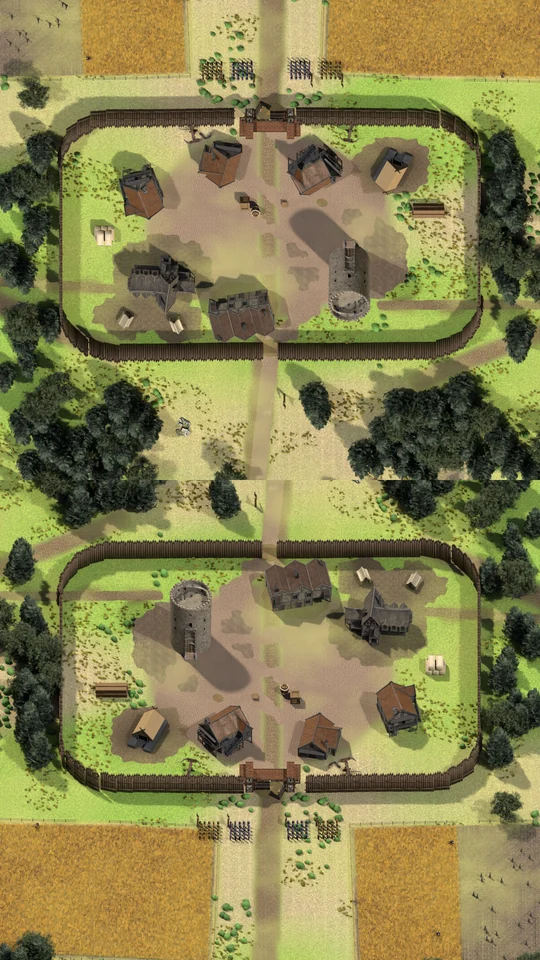




- Get together again.No headsets, no chat windows. Just the person across from you, and everyone else hanging round the table.
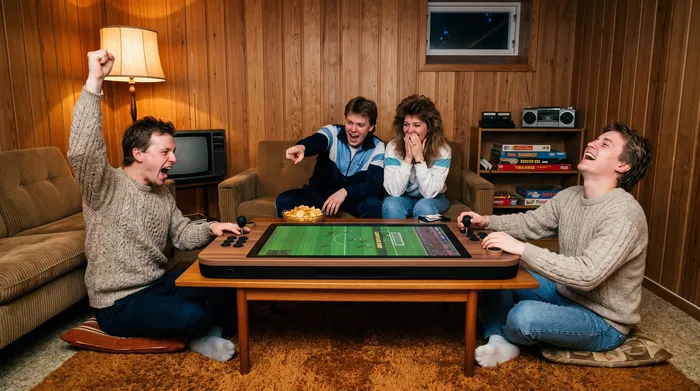
- 29 games, and counting.From a Friday-night football final to chess with grandad, and more all the time.
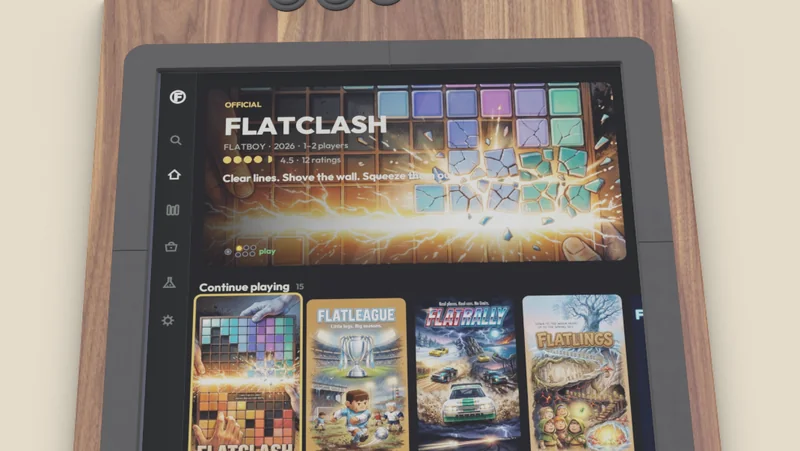
- Make the rest.Say the game you wish existed, or send a screenshot of one you love. It builds it on the table.

Made in our workshop in Norway
The world's most entertaining furniture.
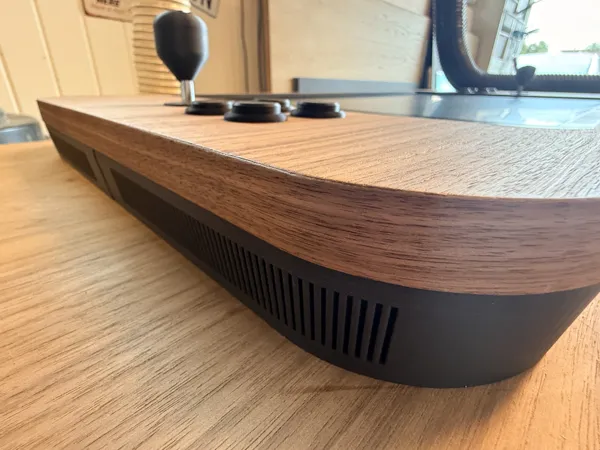
A piece of furniture, not a gadget. Real American walnut finish, made in our own workshop, every button set into the wood. It's made to stay out on the coffee table, not to hide in a cupboard.
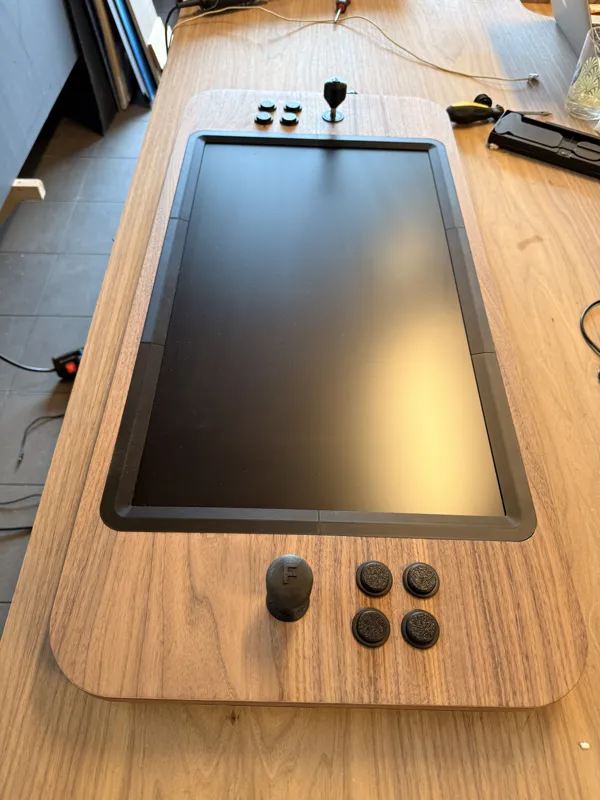

Face to face
Look down at the game. Look up at their face.
You sit at the two ends with the screen between you, and every game turns to each of you, the ones you make too. No split screen, no squinting at the telly: your half, their half, and nothing between you but the table.

Flatlabs
Say the game you wish existed.
Start from a game you loved, a drawing or a few words. Flatlabs asks you a couple of things right on the table, shows you how your game will look and what it costs, then builds it and tests it. Then you play.
- 1
Open Flatlabs
Choose New game on the table. Scan the code with your phone and it joins in, as your keyboard and your camera.
- 2
Start from anything
A game you loved, a drawing, or a few words. Pick up to three, and it mixes them into one game.
- 3
Got a drawing?
Hold the phone over it, or over a Lego build or a toy. The picture lands on the table.
- 4
Or search for a game
Type its name on your phone, here Dr. Mario. It searches games from all over the world, covers and all.
- 5
Make it your inspiration
Look at it, then put it on your board. It's there for the feel only: your game gets its own name and its own art.
- 6
How do you play?
It suggests a way, and you decide. Here: both at once, one at each end, against each other.
- 7
How it's seen
From above, from the side, on a board. It knows a falling-capsule game is a board of squares.
- 8
It tells you what it sees
The hero, the world, what you do. Then a couple of questions: tap an answer on the table or on your phone.
- 9
See your game before it's made
It paints a few ideas of the finished game. Flip through them, ask for one more, and pick the one you like.
- 10
Know the price first
How big it is, how long it takes and what it costs in credits. Nothing starts until you say Go.
- 11
It builds it and tests it
It follows its plan, ticks off each part, and checks that the game runs on the table.
- 12
Next to the look you picked
Every new version lands beside your picture, so you can see it's the game you asked for.
- 13
Grab a stick
Your game, on your table. This one is FLATCURE.


Staged for this page: the real Flatlabs screens, played through with the answers set up in advance. The game at the end is FLATCURE, filmed on the table at real speed. A real build takes longer.
Then it's yours.
- Make it better
Add a mode where the pills come twice as fast.
Done. That's version 2.
v1v2Every change is a new version. Go back to any of them and carry on from there.
- Share it

Put it in the Market and it's on every Flatboy: your friends get it, and anyone else who likes the look of it. (The Market in Flatboy OS, with test listings.)
- Let others build on it
 Kim
KimI made version 3: you flick the pills at each other.
Let them change it, and it opens in their own Flatlabs, carrying on from your version with your name on it.
- Sell it
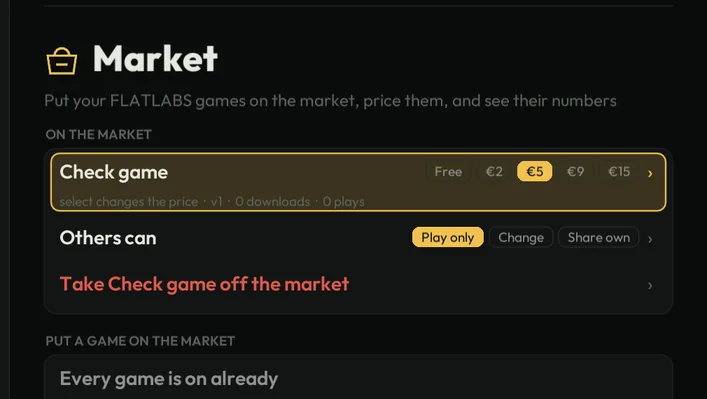
Set a price, and get paid when people buy it.
Payment coming laterThe price is already there on the table; until payment opens, everything in the Market is free.
Three sizes
Bring your own AI
Got Claude, or another AI, on your laptop? Connect it over MCP and build with the very same pipeline. How it works

Board game night
Any board game. Phones in hand.
Ask Flatlabs for the board game you want, chess, ludo or Monopoly for the whole family, or snap a photo of the box on your shelf, and it's on the table in minutes. Everyone's phone becomes their own controller, their hand of cards and their dice: shake it to roll. Up to six round the table, and one phone can be shared by two.
Setting up takes a minute: scan the code, join the Wi-Fi. No app, no account.
The net
Clip it on. Keep your secrets.
The net is an accessory that clips onto the table. Black felt hangs over the screen, so each player sees only their own half: strategy in the fog, hidden fleets, secret aim, cards held close. And the face across the table gives everything away.
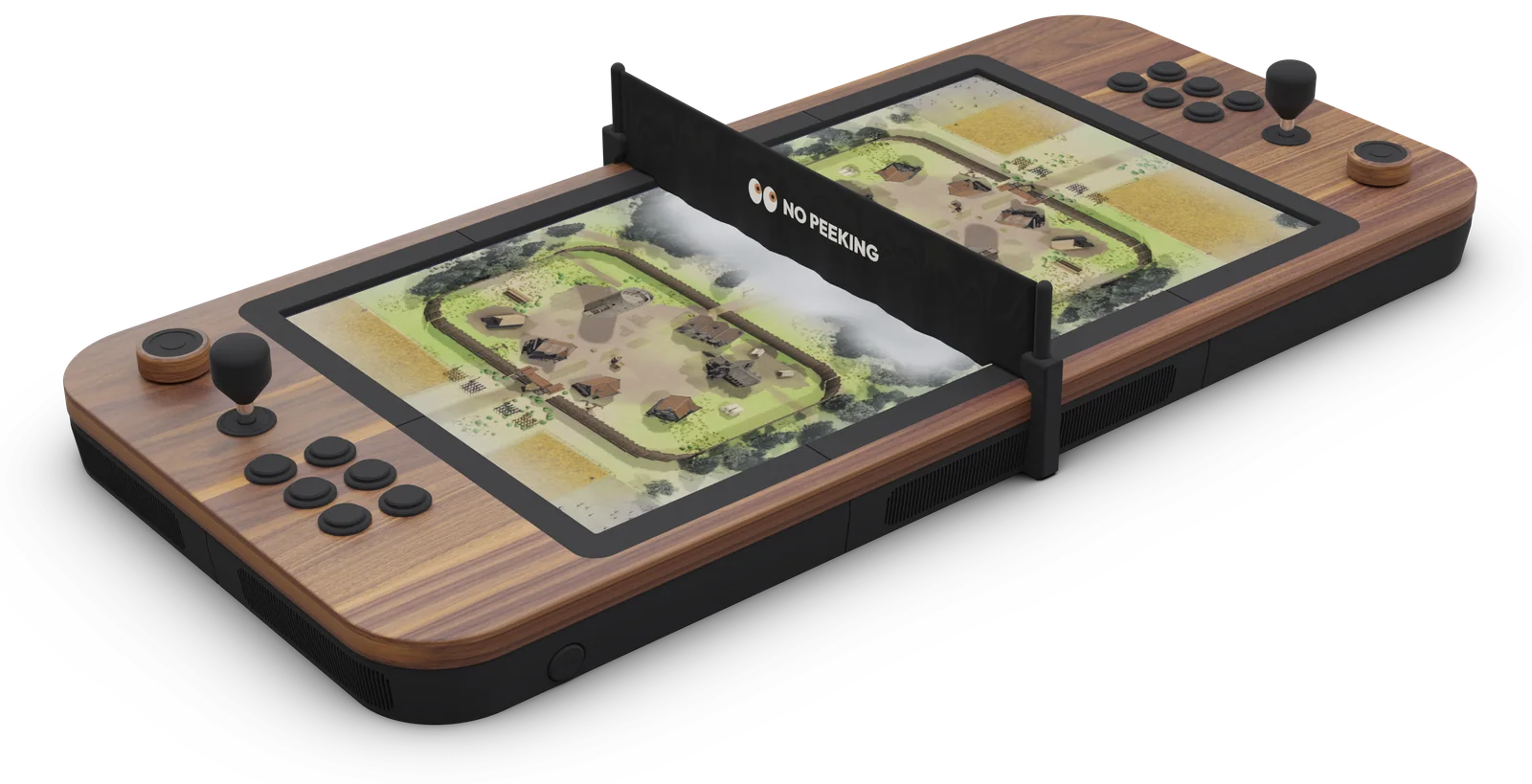
The classics that lived on secrets
- Spy vs. SpyC64, 1984The split screen that started it: two spies, two halves, booby traps you hoped they hadn't seen you set.
- Battleshipspen and paperThe grid hidden behind your hand. "B7." A long pause. "…Hit."
- Strategoboard game, 1961Every piece turned away from the other side, until the flag falls to a scout nobody saw coming.
- Dune IIAmiga and PC, 1992The first real fog of war: the desert stayed black until your harvesters had driven into it.
- Warcraft IIPC, 1995Two players, one map, and nobody knew where the other was building until the first raid came over the hill.
- Red AlertPC, 1996Tanks massing behind a shroud, a spy in their base, and a nuke on a timer you could not see.
- StarCraftPC, 1998The rush you scouted too late. Proof that the most exciting thing in a game is what you can't see.
- PokerforeverTwo cards only you can see, and the face across the table giving everything away.
Miss one of them? Just name it to Flatlabs, and it builds a game in the same spirit, for the net.
A game for
every night.
Made for two people at one table: the kind you lean in for, the kind you swear at, and the board games the whole family fights over. And when you've played them all, make the next one.

 Coming soon
FLATDERBY
1–2
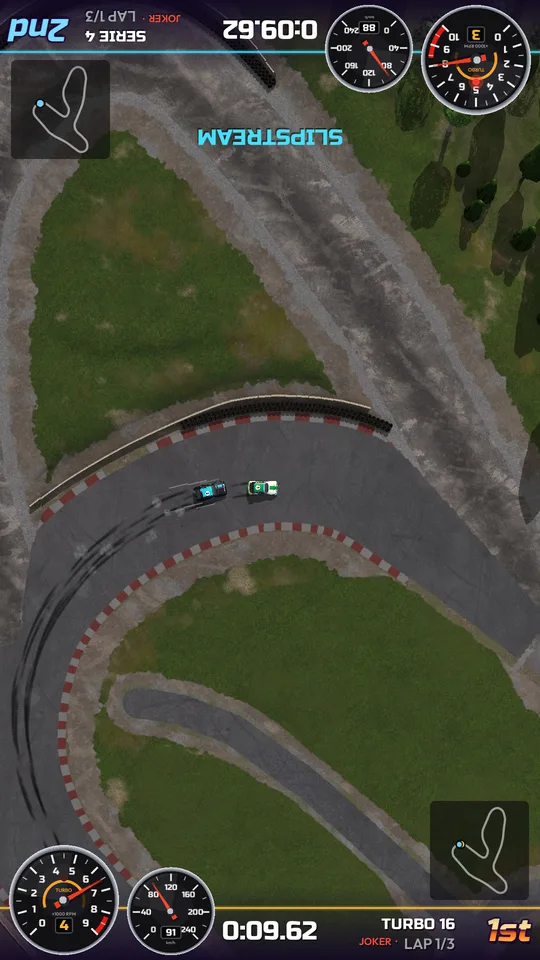
FLATRALLY
1–2

FLATPIRATES
1–2

FLATCOAST
1–2
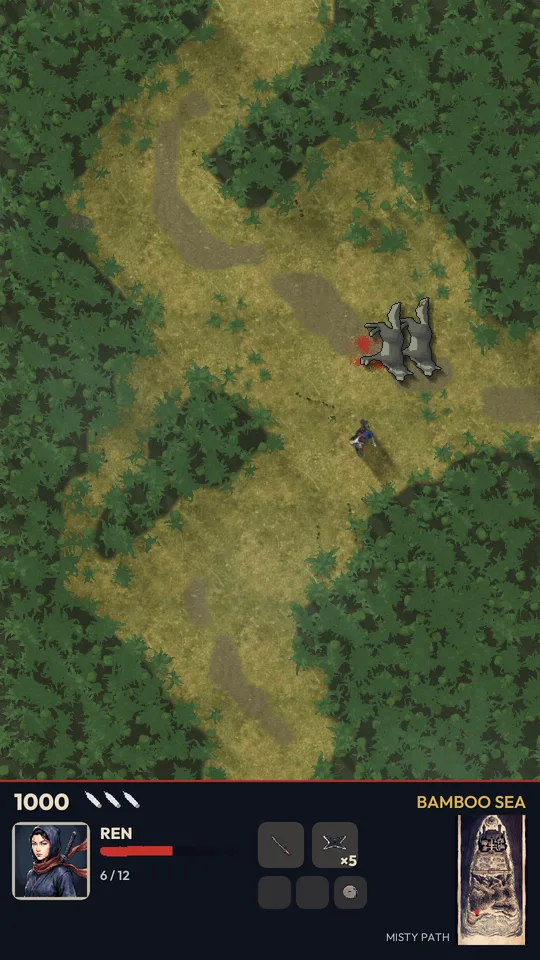
FLATNINJA
1–2

FLATLEAGUE
1–2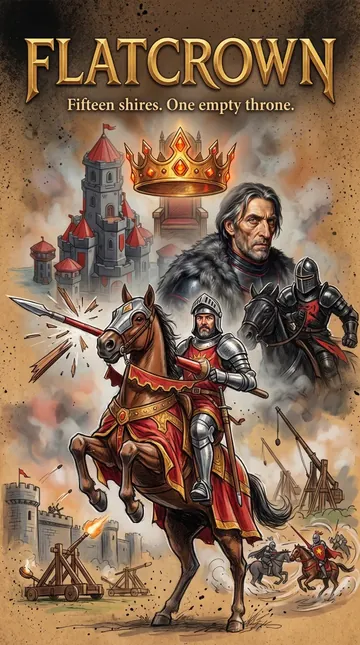
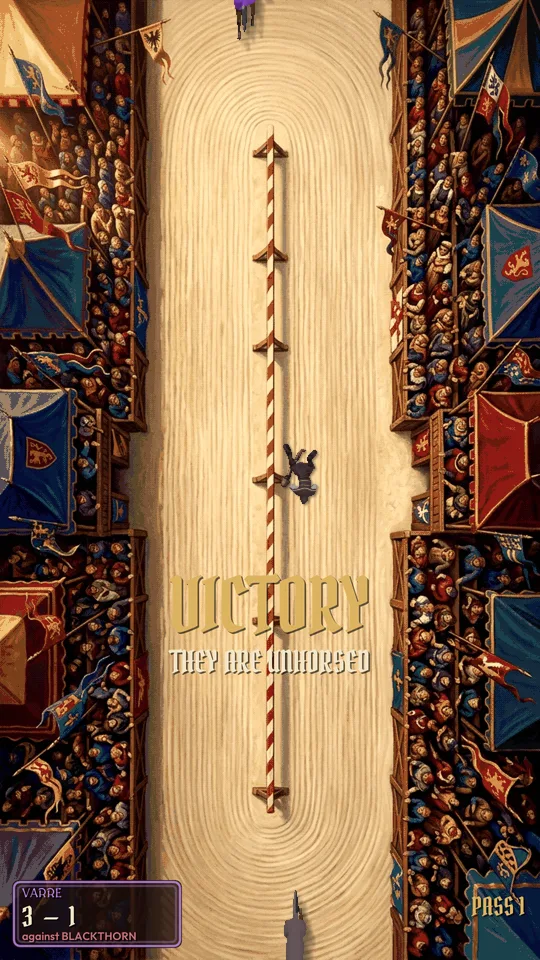
FLATCROWN
1–2
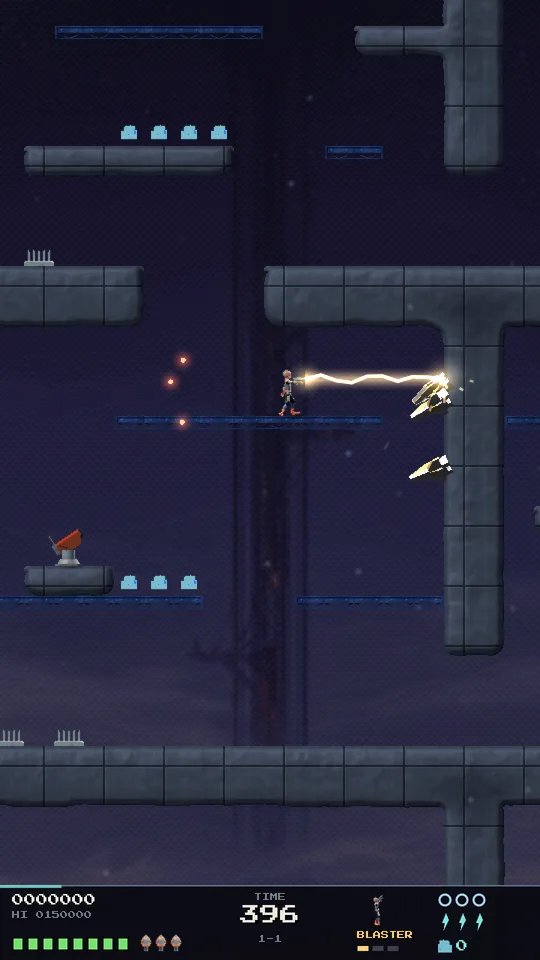
FLATBLASTER
1–2

FLATLINGS
1–2
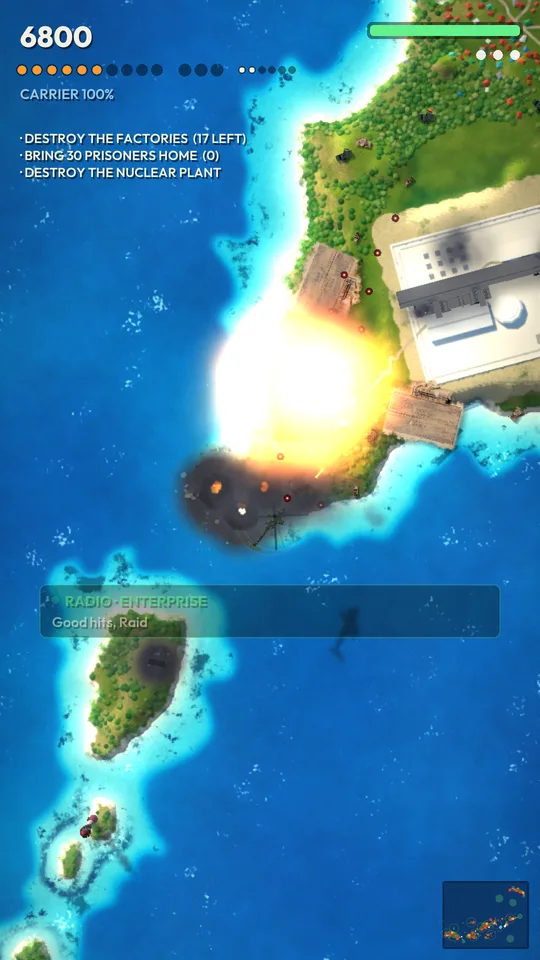
FLATRAID
1
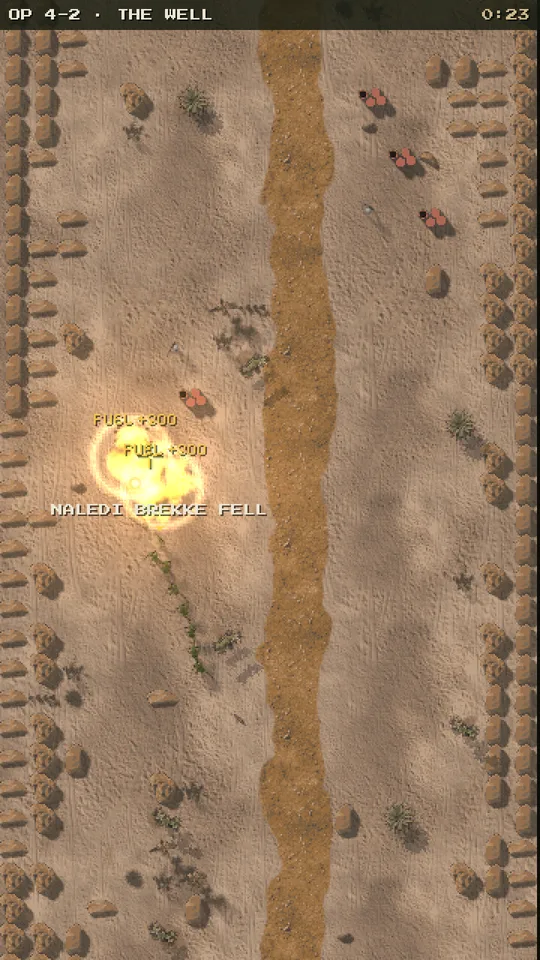
FLATSQUAD
1–2

FLATLORE
1

FLATFORCE
1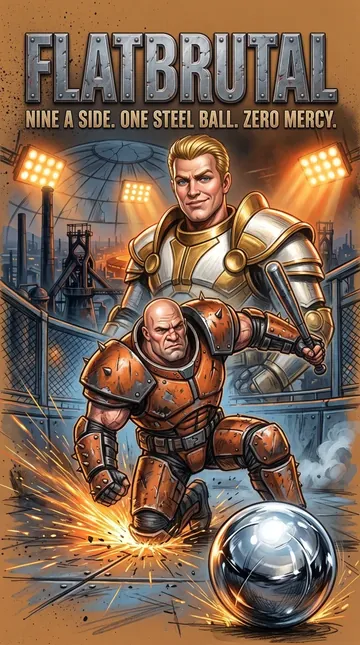

FLATBRUTAL
1–2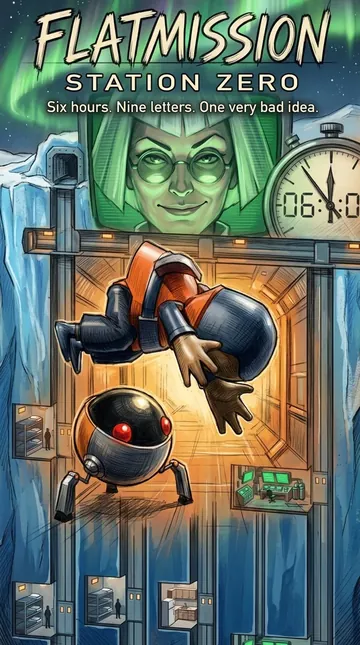

FLATMISSION
1–2

FLATSUMMER
1–2

FLATFOOS
1–2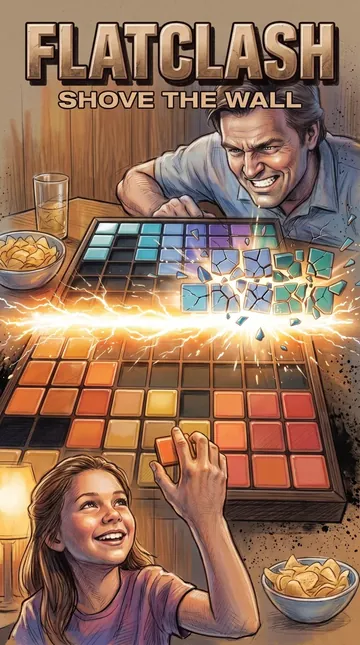

FLATCLASH
1–2

FLATCURE
1–2

FLATFIST
1

MUNIPOL
2–6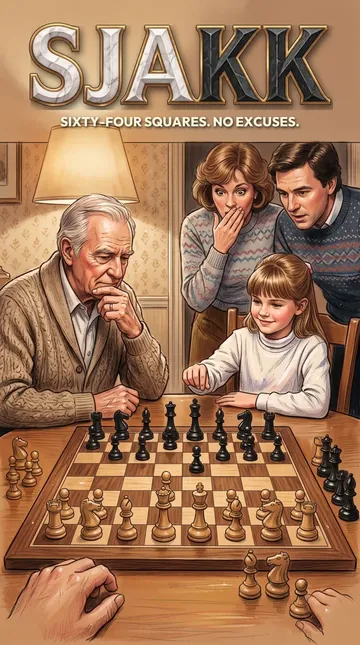
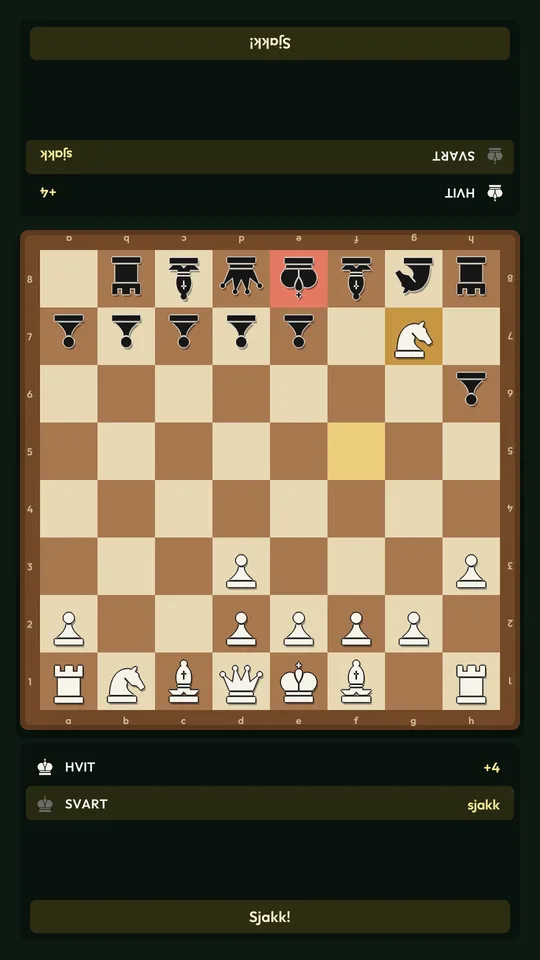
SJAKK
1–2

DAM
1–2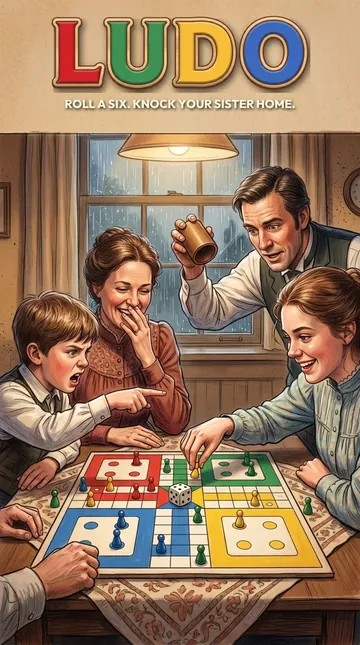
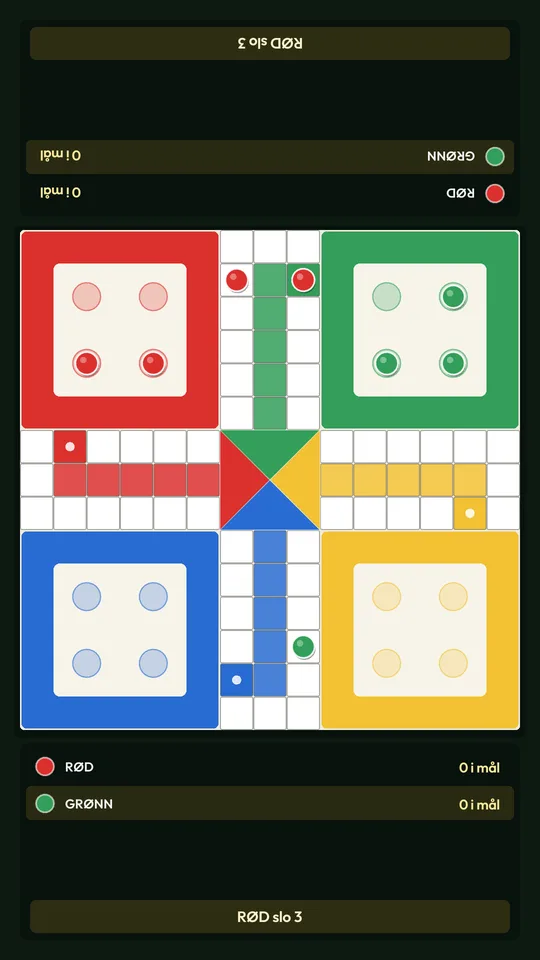
LUDO
2–4
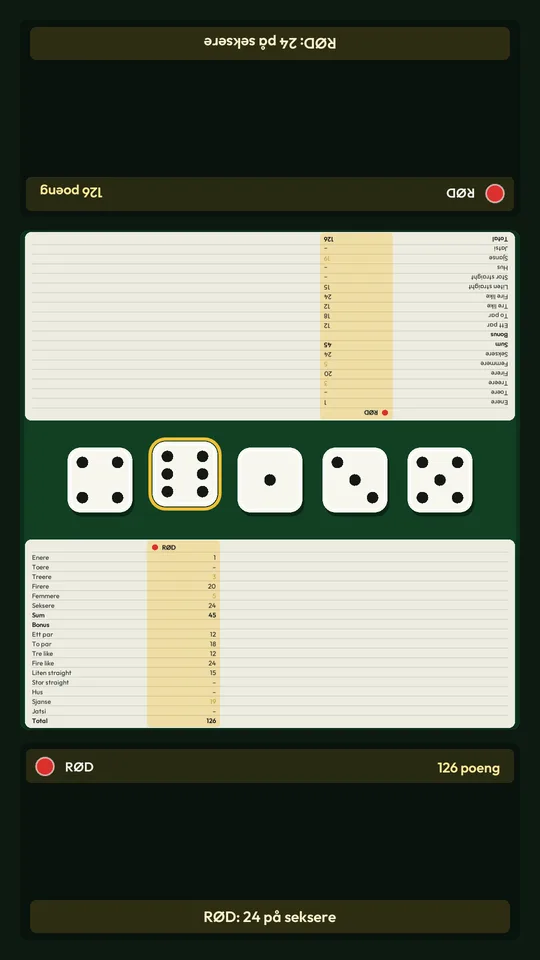
JATSI
1–6

KINASJAKK
2–6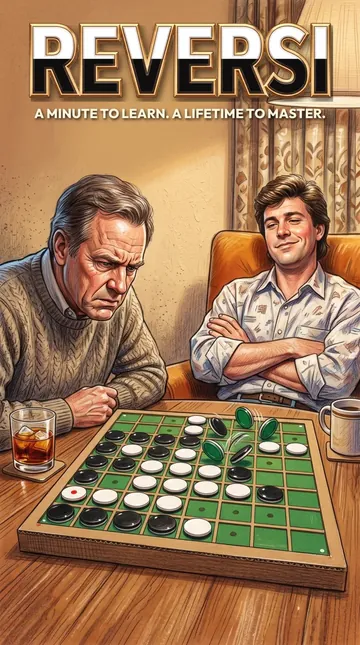
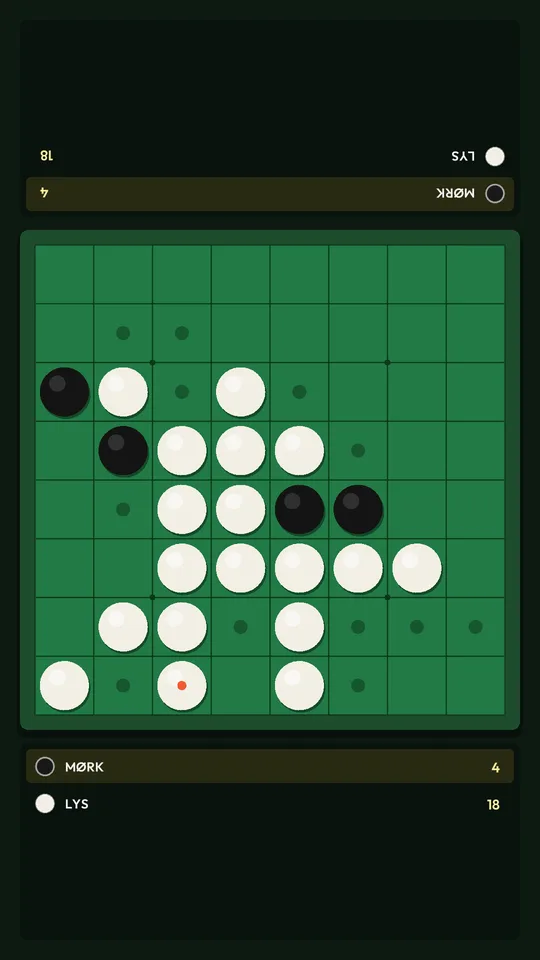
REVERSI
1–2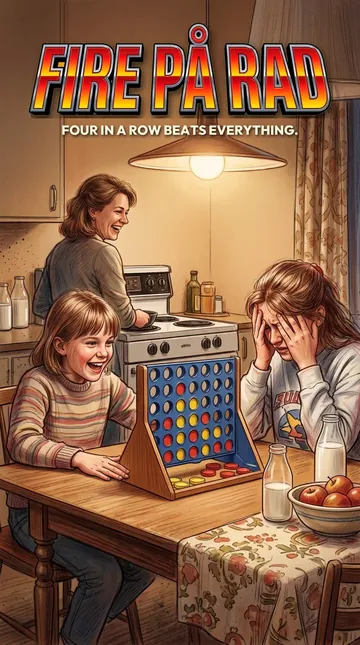

FIRE PÅ RAD
1–2

STIGESPILL
1–6
Arcade classics
Bring your own classics.
Still got the arcade games you grew up on? Add the ones you own, and they get their own shelf in the lobby next to ours. Then show the kids where it all started, and make a new one together: send Flatlabs a screenshot, and it makes a game in the same spirit.
Arcade games are not included. Add only games you own or hold a licence for.
Product
features
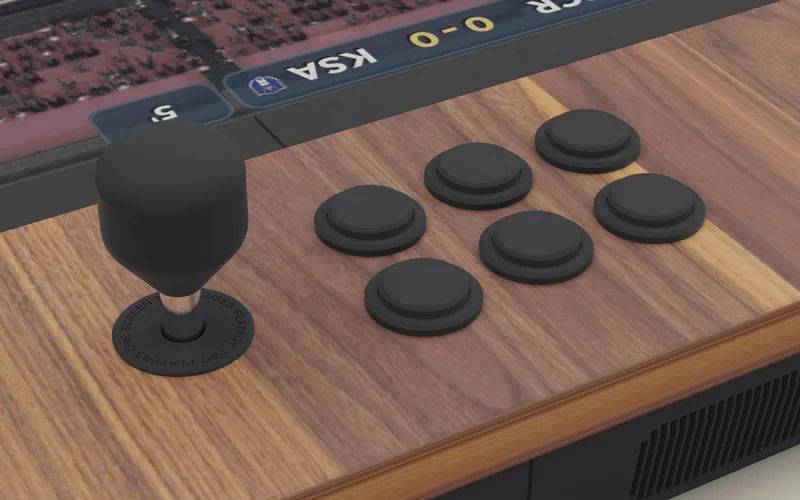

A 27-inch screen between you
As big as a telly, lying down the middle. Your half, their half, and no looking at mine.
Real arcade controls
Sanwa sticks with quick-release tops and six buttons a side. The click your thumbs still remember from 1989.
American walnut finish
90 × 42 cm and 5.7 cm thin. Made to stay out on the coffee table.
A walnut spinner
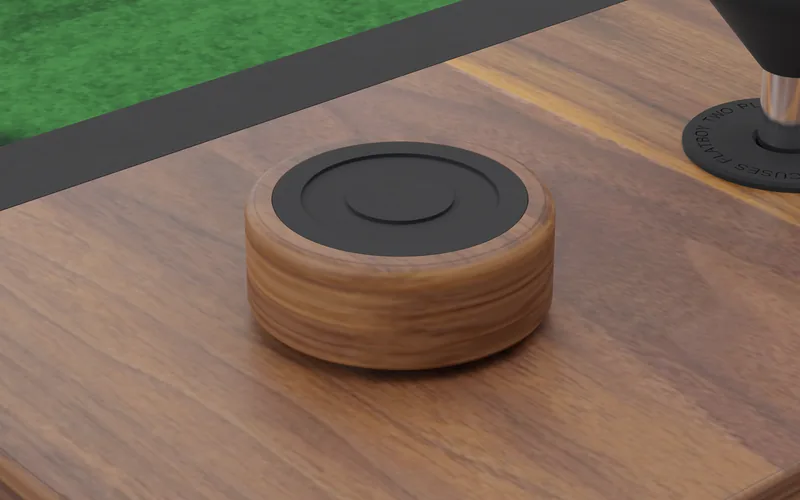
Turned from walnut, for the games that want a dial: steer, aim, spin.
Flipper buttons
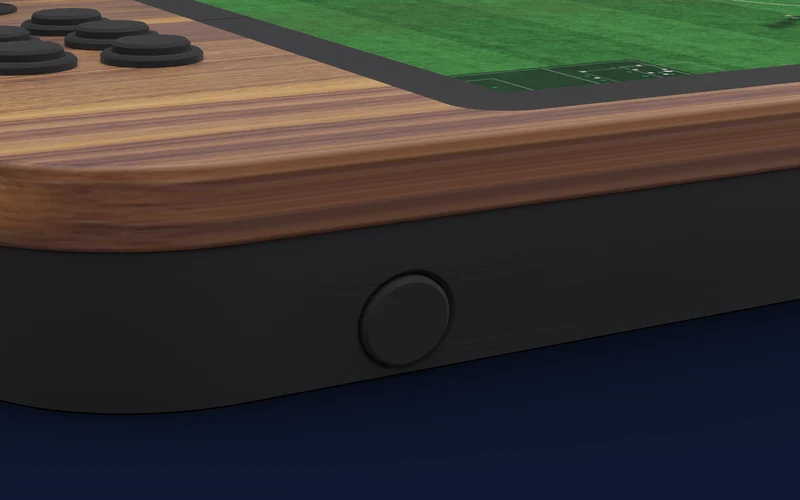
One on each side of the table, right under your fingers, for the games that want a quick flick.
Sound for the whole room
Stereo speakers in the table, loud enough for the goal, the crash and the groan from the sofa.
- Size
- 90 × 42 × 5.7 cm
- Screen
- 27 inch, 1080 × 1920
- Controls
- 2 Sanwa sticks, 12 buttons
- Also
- Spinner, flipper buttons
- Sound
- Stereo speakers
- Players
- 2, up to 6 with phones
- Finish
- American walnut
- Games
- A library, and any you make
- Computer
- Raspberry Pi 5, 4 cores at 2.4 GHz
- Memory
- 8 GB
- Wireless
- Wi-Fi 5, Bluetooth 5.0
- Set-up
- With your phone, no app
How it works.

Set it up with your phone.
Switch it on and the screen shows a code. Scan it with your phone, pick your Wi-Fi, and you're in. No app to download, no account to make, no cables to the telly. A minute, and the first game is waiting.

Play, face to face.
Sit at the two ends with the screen between you. Every game turns to each of you, so nobody plays upside down. Football, rally, pirates, karate, chess: a whole library to start with. On board game night, everyone's phone becomes a controller, up to six round the table.

Make your own.
Say the game you wish existed, from your phone, or send a screenshot of one you love. Flatlabs asks a couple of questions, makes a plan, then builds the game and tests it on the table. Then it's yours: change it, share it, and let your friends build on it. See how it works

 Founders Edition
The first fifty orders.
The Founders Edition is simply the first 50 orders, at the same price as every Flatboy. The same walnut table, the same games. You just get to be the first house on the street where everyone ends up on a Friday.
- Ships
- to be announced
- Left
- counted live when pre-orders open
Flatboy Slim
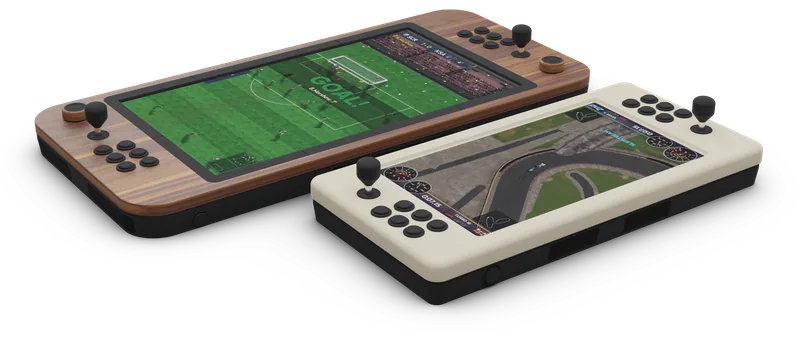
The lighter sibling.
A 20-inch screen, the same Flatboy OS, the same games, the same phones joining in, and Flatlabs to make your own. For the kids' room, the cabin, or a smaller table.
Questions.
All questionsWhen does it ship?
We'll give the ship window before pre-orders open, and you'll see it before you pay anything.
What is the Founders Edition?
Simply the first 50 orders, at the same price as every Flatboy. The same walnut table, the same games. You're first.
Can I make my own games?
Yes. Tell Flatlabs the game you wish existed, from your phone, or send it a screenshot of a game you love, and it builds one that looks and plays like it, with its own names and art. It tells you what it costs in credits before it starts.
Do the games cost extra?
A whole library of games comes with the table. More arrive in the Market, made by people and shared between Flatboys.
Can I play my old arcade games?
You can add arcade games you own or hold a licence for. Arcade games are not included, and we don't supply any.
Who we are
A father and daughter in Norway.
It started in 1985, at a kiosk in Kristiansand: a cocktail arcade table, two kids, and the wish to play each other face to face. Forty years later, a father and a daughter with a degree in game design built that table, the games for it, and a way for you to make your own. Read our story
 Bjørn Ivar KnudsenFounder
 Jeanne I. KnudsenGame design